
Changelog

Follow new updates and improvements to Kroolo.

New Features, Enhancements & Fixes
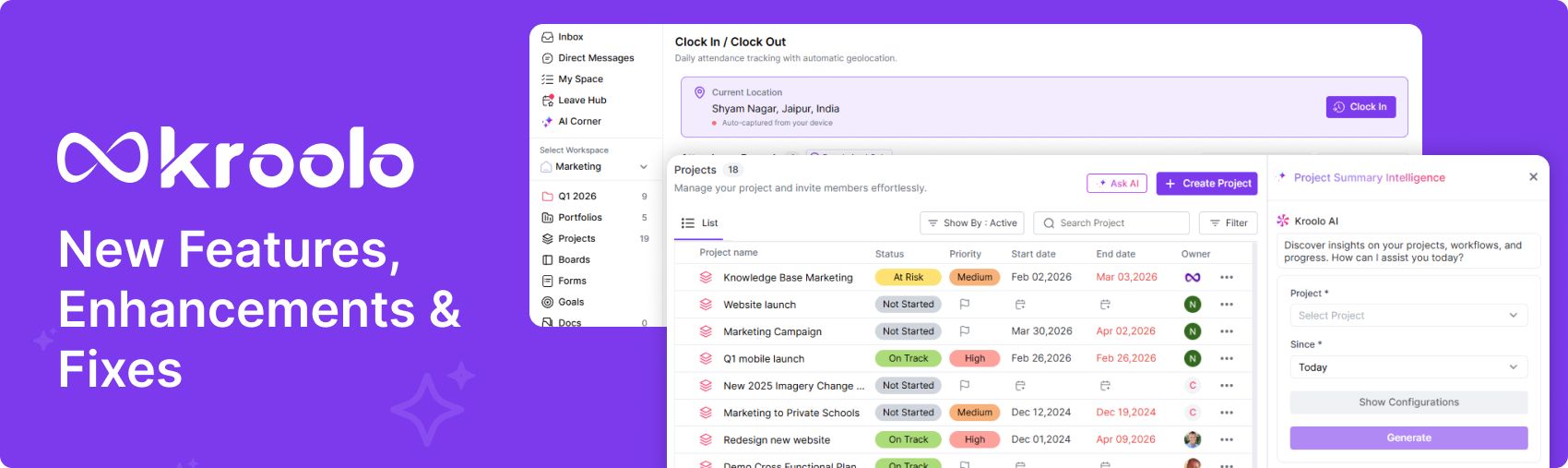
New Features

  • Attendance Management: Introducing a Leave Overview feature to provide a clear and consolidated view of leave information.

  • User Management: Implemented bulk upload functionality for Departments, Skills, and Grade Tiles to simplify adding multiple records at once.

Enhancements

  • Attendance Management: Added a Manual Entry View Modal and integrated it with the Attendance Table to display detailed attendance information.

  • Attendance Management: Revamped the Punch History UI to provide a clearer and more organised view of employees’ Clock-In and Clock-Out records.]

  • Global: Updated the Users and Permissions UI globally to improve consistency, usability, and clarity across the application.

  • Global: Trim the splash-screen loading copy. boot-data drops its third line, and shell drops its eyebrow, so the pre-app splash now shows fewer messages before the app paints. The offline copy and the screen gate are unchanged.

  • Tasks: Implement Risk Detail Drawer with expandable functionality and integrate action menus in Task Detail Tray.

  • Client management: Updated the Client and User table UI to improve layout, consistency, readability, and overall user experience.

Fixes

  • Attendance: Fixed timezone validation and holiday checks in attendance processing to ensure accurate attendance records based on the user’s timezone and holiday calendar.

  • Projects: Fixed the permission issue in the Task Detail panel. | Resolved permission-related issues to ensure users can access and perform actions according to their assigned permissions.

  • Dashboards: Improved the performance of the Generic Dashboard to ensure faster loading and a smoother overall user experience.
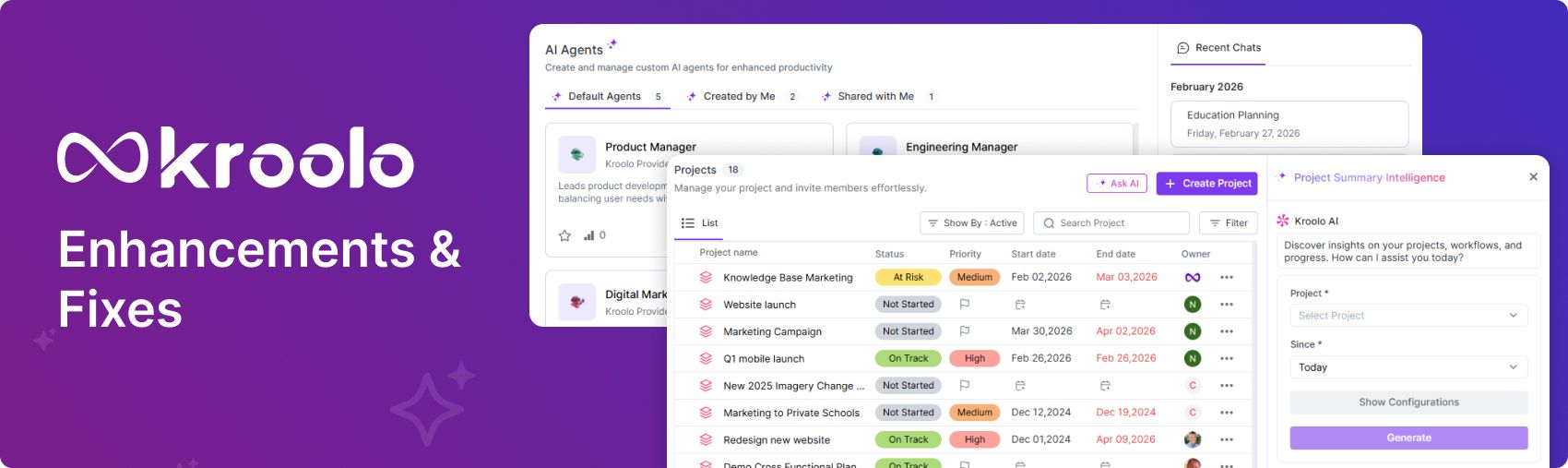
Enhancements & Fixes

Enhancements

  • Direct Message: Add an action menu to the DM list and update the DM actions according to the requirements. Ensure that all available actions are clearly displayed and easily accessible from the menu. The updated actions should provide a smooth and consistent user experience across the DM list.

  • Clients: Add alerts to notify the client owner about important updates, changes, or actions that require their attention. Ensure the alerts are clear, timely, and easily accessible so the client owner can respond appropriately.

  • Task Timer: The timer should support a Resume functionality that allows users to continue the timer from where it was paused. When resumed, the timer should accurately continue counting down without resetting the elapsed or remaining time.

  • Global: Updated the UI for the user table to improve its layout, readability, and overall user experience. The changes ensure that user information and available actions are presented in a clear and organised manner.

  • Attendance Management: Extend Leave Calendar visibility to allow users designated as Client Owners to view leave calendar data for their associated clients. Ensure that Client Owners can access only the leave information relevant to the clients they are associated with.

  • Added task, workspace, and project slugs to email URLs to provide direct and context-specific navigation to the relevant resources.

  • Added a reusable Regularise Badge component to clearly indicate regularised attendance status. Updated the attendance table to use the new badge component for consistent and improved status display.

  • Attendance: Updated attendance regularisation to automatically approve submissions made by Client Owners, eliminating the need for additional manual approval. This ensures faster processing while keeping the regularisation workflow consistent for Client Owners.

Fixes

  • Automations: Resolved the workflow automation issue with the comment editor across Gmail, Outlook, Slack, Microsoft Teams, and Chats. Ensured the comment editor works consistently and reliably across all supported communication platforms.

  • Integrations: Fixed the project listing issues in TickTick and Trello to ensure projects are displayed correctly. Improved the listing behaviour for a more consistent and reliable user experience across both integrations.

  • Formula column: Fixed the issue with the formula column to ensure calculations and values are displayed correctly. Verified that the formula column now works as expected without affecting other table functionality.

ImprovementBug

New features, Enhancements & Fixes

New features

  • SharePoint Integration: Connect a SharePoint account, browse sites and document libraries, and import files straight into Docs; the connected account's email is shown to confirm which account is in use.

  • Created-date automation conditions — Automations can act on when a task was created (relative and custom dates with a full set of comparison operators), working across both project tasks and board items. Status, priority, and task type conditions were reworked so their labels read correctly in the workflow canvas.

  • Redesigned task detail drawer — Dependencies and Linked Tasks now live in one place, with attachments, comments and custom fields reorganised

  • Empty-state illustrations — New illustrations across roughly twenty screens, including boards, docs, goals, portfolios, channels, teams, search results and trash.

Enhancements

  • Product-wide interface consistency pass — Type sizes, button heights, tabs, dropdowns, modals, borders, shadows and placeholder colours standardised across every module; tabs run on a single implementation, modal backdrops are defined once in the theme, menu icons are consistent, and a lint rule now enforces the standard.

  • New brand purple — Applied across the product and all 58 transactional email templates plus onboarding, sign-up, SSO, user and time-tracking emails, so email buttons match the app.

  • Refreshed interfaces — Updated screens for projects, forms, notifications, financials, users, member invitations, sprints and reminders

  • Shared dialogue components — Shared modal, cancel-button and header-icon components introduced so dialogues behave and look the same across the product

Bugs & Fixes

  • Sign-in failure for some accounts because of a platform identifier issue is being fixed.

  • Removing a SharePoint drive failed the whole page — the error now appears in the dropdown where it happened

  • Switching SharePoint sites showed empty pages instead of the new site's contents is fixed.

  • Folders with no files showed nothing at all, rather than showing a message saying so

  • Long file lists overflowing their container is fixed.

  • Several PDF import problems, including documents containing images is fixed.

  • Opening a task's due-date cell could error when the task had no recurrence set is fixed.

  • SharePoint authentication rejects invalid identifiers cleanly instead of erroring, and token refresh now resolves the correct user is fixed.

Earlier updates