SSO , Azure Devops and Jira Integration and more
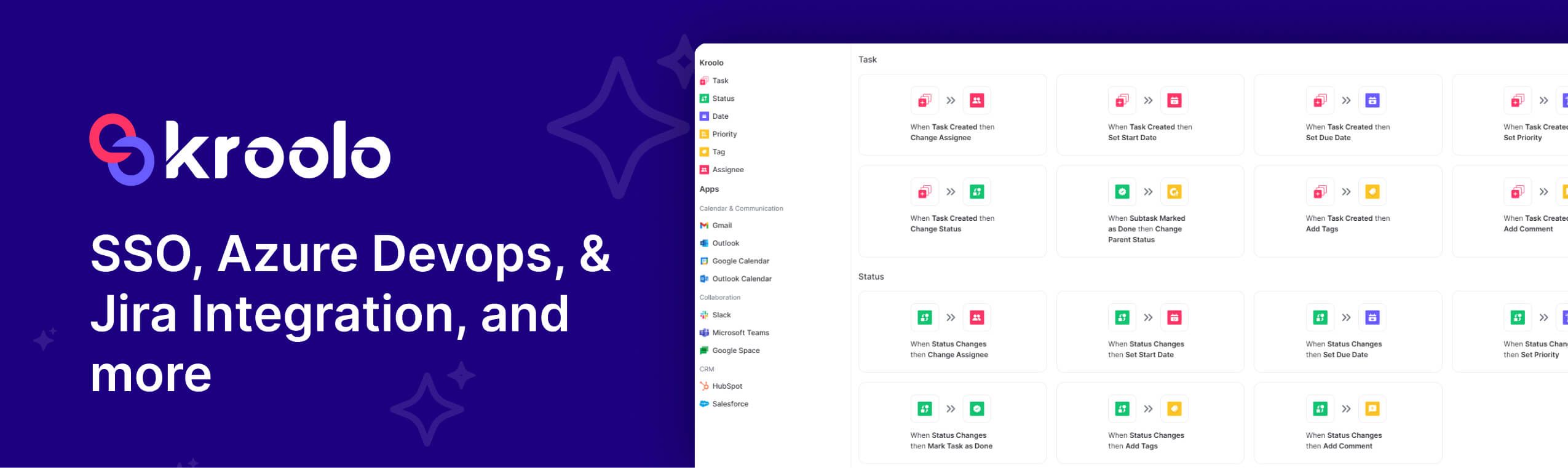
SSO Login: Access multiple applications or systems using one set of login credentials. Instead of logging into each service individually, users authenticate once through a central identity provider, which then issues secure tokens to verify their identity across trusted platforms. This simplifies the user experience, enhances security by reducing password reuse, and streamlines access management within organisations.
AI Agents enhancements v2: The Education Agent now supports sharing and embedding functionality, making collaboration easier across platforms. When users create a new agent, they’re automatically redirected to the “Created Agent” section for quicker access. Additionally, users can now directly manage agent tools and permissions, giving them greater control and customisation options.
Azure DevOps and Jira Integrations: Task mapping has been enhanced for better clarity and organisation, and users now receive email notifications when Jira data is imported, ensuring timely updates and improved workflow visibility.
Project View & Workspace: The layout, filtering, and data synchronisation for recently deleted projects have been refined for a smoother user experience. Additionally, the Workspace Overview now features draggable and resizable sections, allowing users to customise their dashboard layout more effectively.
Enhancements
Chat & AI
The chat input has been redesigned to improve its responsiveness and ensure more consistent formatting, resulting in a smoother and more reliable user experience.
Users can now access the global chat directly from the homepage, making it easier to start conversations and stay connected without navigating through multiple sections.
During a session, the system now retains the user’s selected model and language preference, ensuring a more consistent and personalised experience throughout.
UI & Styling
The Inter font family is now applied consistently across the interface, ensuring a unified and visually cohesive typographic experience.
Spacing, tooltips, and overall style across the user interface have been refined to deliver a more polished and visually consistent experience.
The labelling logic for "Train" and "Retrain" actions within the Knowledge Base has been corrected to ensure accurate and consistent behaviour.
Project Improvements
The default size of the project list has been expanded, allowing users to view more projects at once without needing to adjust settings manually.
Metadata and visibility for custom filters have been improved, making it easier for users to identify, manage, and interact with filter settings across the interface.
Workflow & Automation
Condition labels and header logic have been refined for greater clarity and consistency, enhancing the overall readability and user experience across the interface.
Bugs affecting issue saving and history logging have been resolved, ensuring smoother data tracking and more reliable record-keeping across the system.
Azure DevOps (ADO) support has been added, and the handling of integrations with Slack and Gmail has been improved to ensure smoother connectivity and more reliable performance across communication workflows.
Bugs & Fixes
AI & Chat
Formatting issues with copied responses have been resolved, ensuring that content now retains its intended structure and appearance when duplicated.
Issues related to scroll jumping and blank screens during chat sessions have been fixed, resulting in a smoother and more stable user experience.
Language model (LLM) preferences now remain intact throughout usage, eliminating previous issues where selected settings would unexpectedly reset.
Chat automatically loads the most recent message by default, ensuring users can seamlessly continue conversations without scrolling manually.
The logic for handling the document regeneration flag has been fixed, ensuring it now functions accurately during the regeneration process.
Newly added items are now instantly reflected in the Knowledge Base dropdown, eliminating the need for manual refresh and streamlining user access.
Response loading now features a dedicated visual loader, providing clearer feedback during processing and improving the overall user experience.
Project & Tasks
Adjustments have been made to alignment, tags, risk button functionality, tooltips, and save button behaviour, resulting in a more consistent and reliable interface performance.
Users can now organise data by sorting custom columns, enabling more flexible and personalized data views across the interface.
CRUD-related issues within the Project IndexDB have been successfully addressed, ensuring stable and reliable data operations across create, read, update, and delete functionalities.
Dropdown menus and filter options have been added to the project metadata section, allowing for more streamlined navigation and customised data views.
Docs & Forms
Issues related to document format generation and unlocking functionality have been resolved, ensuring smoother output creation and access across workflows.
Screen size and editor-related issues on the form interface have been resolved, resulting in improved usability and a more consistent editing experience.
Other Fixes
The flickering issue in the workspace dashboard has been resolved, resulting in a smoother and more visually stable user experience.
UI-related fixes for inbox mentions and update handling have been implemented, resulting in smoother interactions and more reliable performance across notifications and updates.
Enhancements have been made to the HubSpot webhook and Slack OAuth flow, resulting in more reliable data syncing and smoother authentication across integrated platforms.
The OAuth flow for embedding Google Drive content is now functioning as intended, ensuring smooth authentication and reliable integration.
Redirect issues related to calendar and task functions have been resolved, ensuring smoother navigation and more reliable link behaviour across workflows.