September 4th, 2025
New Feature
Improvement
Bug
Document workflow, merge task functionality with sprint and more
New Features
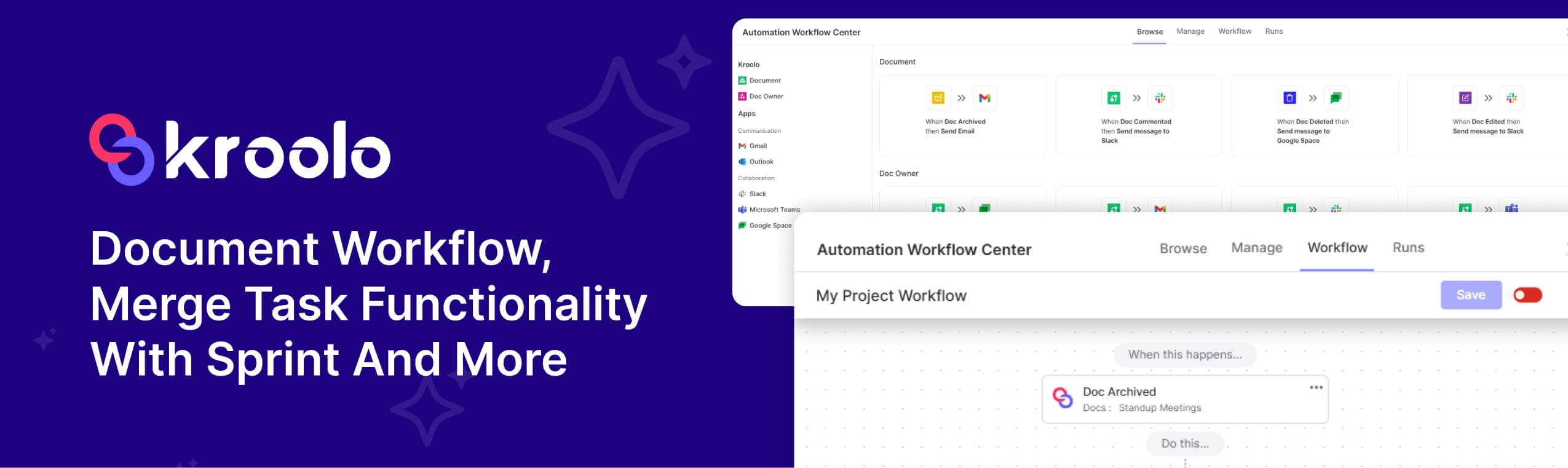
Doc Workflow and Automations – Configure steps and triggers to automatically route documents through creation, review, approval, and publishing, reducing manual handoffs and cycle time. It means actions like assigning reviewers, sending reminders, updating statuses, and archiving can be automated through rules rather than ad-hoc efforts.
Merge Task Functionality in Sprint – Added ability to merge tasks directly within sprints.
Tasks that duplicate scope or split work unintentionally can now be combined in the active sprint, preserving assignees, comments, attachments, and time data while consolidating into a single canonical task to avoid fragmentation. This streamlines boards, prevents double work, and keeps sprint metrics accurate.
Enhancements
Timesheet Audit Logs – Audit logs now track every task entry in timesheets for better visibility.
Every create, edit, delete, and approval/rejection of a timesheet entry is now recorded with who, what, and when details, enabling traceability for compliance and easier troubleshooting of discrepancies. This improves accountability and supports audits or billing verification.
Task Detail View – Clicking a linked task now opens its detailed view instantly.
Linked task references (from comments, relations, or other modules) deep‑link straight to the full task page, removing extra navigation and making it faster to review context, update fields, or take actions without losing place.Timesheet Data Approval – Approved data in timesheets can now be edited for corrections.
Time entries that were already approved can be amended (with proper permissions and logging), allowing correction of errors without rollback loops. This preserves approval history while ensuring payroll/invoicing uses accurate data.Board Datagrid – Enhanced board view with an updated datagrid for improved usability.
The board now uses a more capable grid for card lists and swimlanes, improving performance, resizing, sorting, inline edits, and keyboard navigation. It should be easier to scan, filter, and bulk‑adjust work without modal friction.Doc Templates Browse – Improved template browsing experience with clearer content organisation.
Templates are grouped and labelled more intuitively (e.g., by category, use case, or team), with better previews and search, so selecting the right starting point for documents takes fewer clicks and less guesswork.
Bugs & Fixes
Goals Module – Fixed issue where Key Results were not updating with AI templates; enhanced logic and error handling.
Applying or regenerating AI‑assisted templates now correctly populates and refreshes KRs, and failures degrade gracefully with clear messages. Data refresh rules and edge‑case handling have been tightened to prevent stale or partial KR states.Global Theme – Resolved theme loading issues for a smoother application experience.
Theme assets and tokens now initialise reliably across pages and sessions, eliminating flashes of unstyled content, mismatched colours, or layout jumps. This leads to consistent visuals and fewer readability/accessibility hiccups.Board – Bugs related to UI and Functionalities.
Visual and interaction issues on the board have been addressed: card rendering/layout inconsistencies, drag‑and‑drop not persisting state, columns not reflecting status changes, and filters causing unexpected visibility gaps. The fixes aim for stable card placement, accurate state transitions, consistent filtering, and responsive controls, so board actions behave predictably during sprint execution.