AI agents tools support, Wrike integration & more
AI Features
Sub Agents
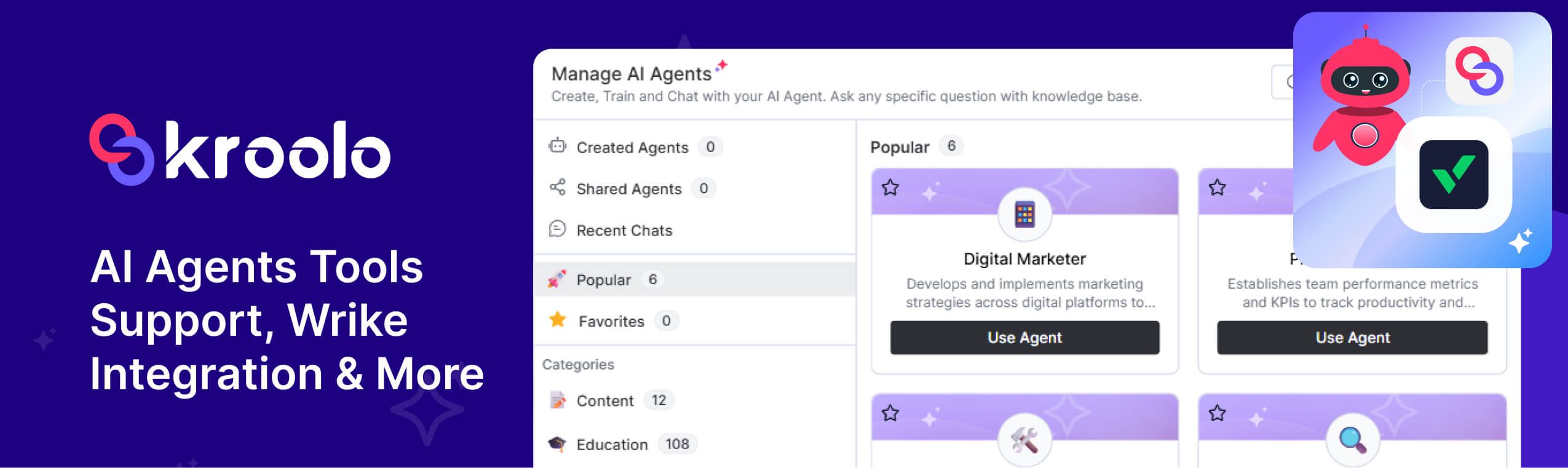
Allows for “AI sub-agents”—smaller AI assistants dedicated to specific tasks or workflows—enhancing automation and specialised support within the system.
All Tools Support
Expands integration, enabling the system to connect and work with a broad range of popular platforms for development, CRM, documentation, communication, and file sharing (including GitLab, Bitbucket, HubSpot, Notion, Confluence, Google Docs, Calendar, Outlook, Teams, Gmail, Slack, OneDrive, SharePoint, Google Drive, Jira, Intercom, GitHub).
Global Features & Enhancements
Audit Logs: Keeps a detailed record of significant actions within the system (e.g., user login/logout, data changes). This allows administrators to track who did what and when, enhancing transparency, compliance, and security.
Trash Module: Introduces a “trash” area where deleted items (like documents, tasks, etc.) are stored temporarily, enabling users to recover mistakenly deleted items before they’re permanently erased.
Set Status Enhancement: Improvements to the way global status updates are handled. Users can more easily change the status of items across the system, likely making it faster and more intuitive to update progress.
Email Template Parsing in Docs
The system can now identify and parse AI-generated email templates in documents, making it easier to reuse or automate personalised communication.
Integration Features
Wrike Integration: Deepens connectivity by allowing key features of Wrike (another project management tool) to be used or synced. Facilitates collaboration for teams using both platforms.
Sprint Features (Agile Project Management)
Workload View: A visual representation of team members’ or resources’ distribution across sprint tasks. This helps managers balance workloads and avoid overloading any one team member.
Timeline View: Offers a timeline or Gantt-style view of sprint activities, providing a clear scheduling overview and helping teams coordinate on delivery dates and dependencies.
Project Features
Progress Bar Enhancement: Upgrades to the project and task progress bar, likely with improved visuals and/or more accurate progress tracking—helping teams monitor how close they are to completion.
Automation Features
Dynamic Variable Support: Users can now use dynamic (auto-filled) fields in automated email/Slack/Outlook messages—for example, personalising greetings or including live data without manual entry.
Docs Features
Inline & Page Comments Reply: Team members can now directly reply to specific comments (both inline comments on a paragraph and broader comments at the page level), improving discussion and collaboration in shared documents.
Bugs & Fixes
Forms: Addressed issues affecting forms and sprint-related operations, ensuring smoother functionality.
Onboarding: Fixed an issue where users could not easily request a new OTP (one-time password) for signup, due to a bug in the resend rate control.
Automation: Resolved a bug where the “save” button on automation rules would accidentally become disabled and unusable in the browse view.
Workflow: Improved error feedback—now, if you try to create or modify a workflow without setting a name, the border highlights in red to prompt correction.
Global User Deletion: Streamlined and improved the process for deleting user accounts, ensuring accounts are removed more efficiently and securely.